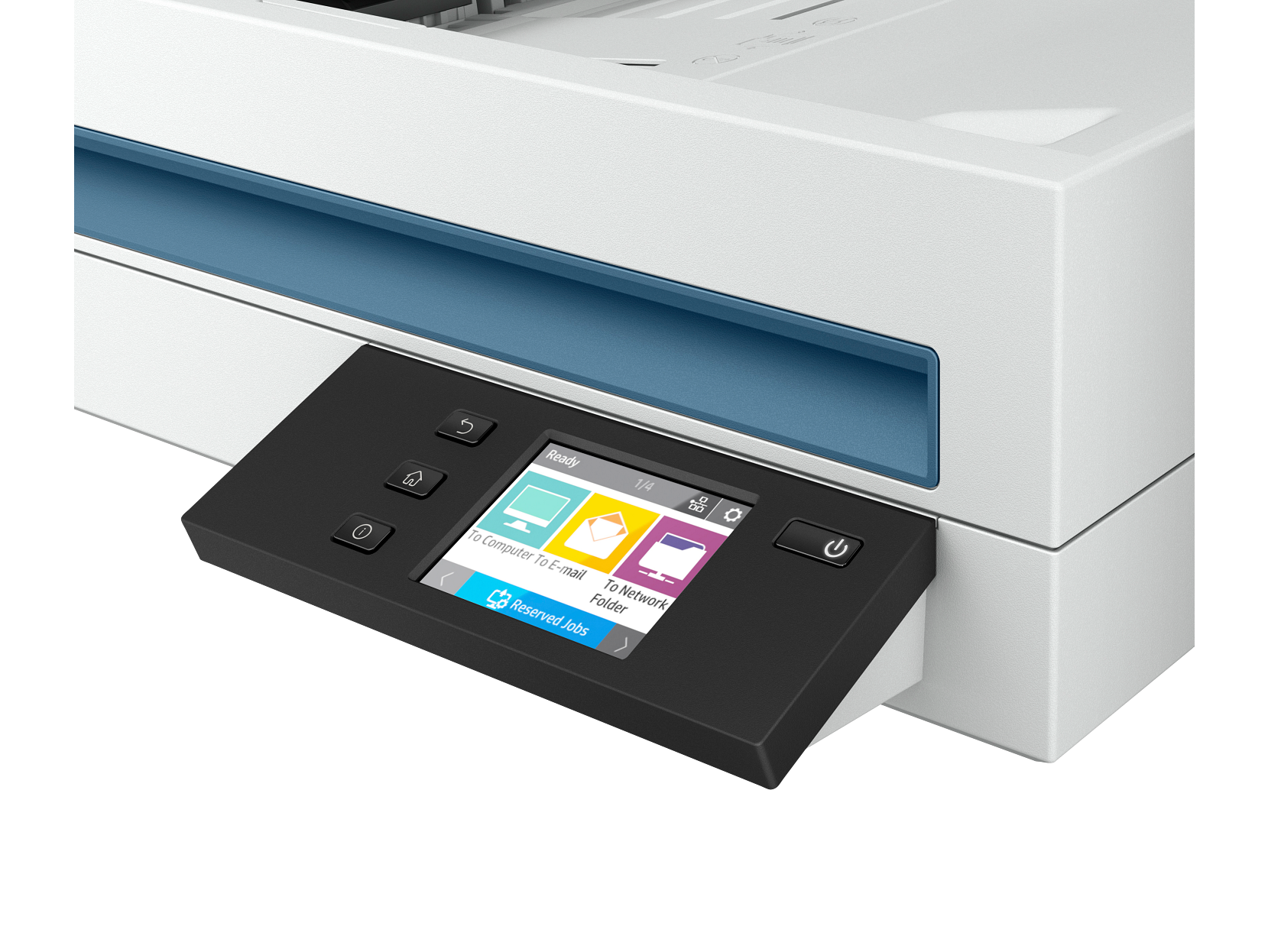
HP ScanJet Enterprise Flow N6600 fnw1 Scanner
Key Specs
- 50 ppm / 100 ipm
- 80-page ADF
- Wi-Fi, Ethernet, USB
Key Benefits vs Considerations
Key Benefits
- Fast, accurate document digitization
- High optical resolution for detailed scans
- Batch scanning with automatic document feeder
- Compatible with major document management software
- Compact form factor for desktop placement
Considerations
- Automatic document feeder capacity varies by model
- Not suited for scanning bound books or thick media
- Scan speed may vary based on resolution settings
- Requires USB or network connection to operate
Who Should Buy This
Administrative Staff
Digitizing paper records, contracts, and correspondence for electronic storage.
Small Business Owners
Archiving receipts, invoices, and important documents for record keeping.
Home Users
Preserving family photos, scanning documents, and organizing personal records.
Safety & Maintenance Tips
Safety Guidelines
- Place scanner on a flat, stable surface with adequate ventilation
- Keep away from water and excessive moisture
- Use only the included power adapter or approved replacements
- Clean the scanner glass regularly with a soft, lint-free cloth
- Disconnect from power during extended periods of non-use
- Keep out of reach of young children
Maintenance Best Practices
- Clean the scanner glass weekly to prevent scan quality issues
- Keep the ADF rollers clean and free of dust or debris
- Update scanner firmware and drivers periodically
- Run calibration scans as recommended by the manufacturer
- Store unused paper in a dry environment to prevent jams
- Check the manufacturer's website for any scanning anomalies
Manufacturer Part Number: SJEFN6600
Product Number
HP-SJEFN6600
Brand
HP
Category
Scanner
Scanner Type
Flatbed with ADF
Optical Resolution
Up to 4800 dpi
Scan Speed
50 ppm / 100 ipm
Connectivity
Wi-Fi, Ethernet, USB
Condition
Brand New — Factory Sealed
Warranty
Manufacturer Warranty Included
Network-ready enterprise scanner with advanced workflow capabilities.
What's in the Box
- HP ScanJet Enterprise Flow N6600 fnw1 Scanner
- USB Cable
- Power Cord and AC Adapter
- Quick Start Setup Guide
- Warranty Information Card
- Scanner Driver CD/Download Card
Ideal Use Cases
- Document digitization and archiving
- Photo scanning and preservation
- Multi-page document batch scanning
- Office paperwork digitization
- Receipt and record keeping
- 50 ppm / 100 ipm
- 80-page ADF
- Wi-Fi, Ethernet, USB
Related Products
Buying Guide: Choosing the Right Scanner
A good document scanner turns paper records into searchable, shareable digital files in seconds. The HP scanners we sell are built for steady use in small offices, professional services, and home document archives — not just occasional snapshots. Use the buying guide below to match optical resolution, scan speed, and feeder capacity to the type of paperwork you handle.
Optical resolution and color depth
Optical resolution, measured in dpi, controls how much detail a scanner captures. For everyday text documents, 300 dpi is plenty. For photographs you intend to enlarge or archive, choose 600 dpi or higher. Color depth (24-bit on most scanners we carry) determines the number of colors that can be reproduced — important for accurate photo reproduction and archiving color-critical materials.
Scan speed, ADF capacity, and duplex scanning
For multi-page documents, an automatic document feeder (ADF) with duplex scanning is a major time saver — instead of flipping each page by hand, the scanner captures both sides in a single pass. Manufacturer page-per-minute (ppm) figures are based on standard 200 dpi scans; higher resolutions and color modes will run noticeably slower. Match the rated daily duty cycle to your real workload to avoid premature wear on the rollers.
OCR and document management software
Most modern scanners ship with OCR (optical character recognition) software that converts scanned pages into searchable PDFs and editable text. Confirm compatibility with the document management or cloud storage platform you already use — direct integration with Microsoft 365, Google Drive, or Dropbox can save hours of manual filing each week.
Connectivity, reliability, and maintenance
USB connections offer the most consistent performance for desktop scanners. Network and Wi-Fi models are convenient for shared workgroups but may require IT setup. To keep scan quality high, plan to clean the glass and ADF rollers regularly with a soft, lint-free cloth, and replace consumable parts (such as the pickup roller) according to the manufacturer’s recommended schedule.
Typical scan volume
50–2,000 pages/day
Recommended for
Offices & archives
Average setup time
Under 10 minutes
Free shipping
All 50 US states
Frequently Asked Questions About the HP ScanJet Enterprise Flow N6600 fnw1 Scanner
Below are answers to the questions our customers ask most often before buying the HP ScanJet Enterprise Flow N6600 fnw1 Scanner. If you don’t see your question, our team is happy to help — contact us or browse the full FAQ page for shipping, returns, and account questions.
Q.Is the HP ScanJet Enterprise Flow N6600 fnw1 Scanner brand new and covered by warranty?
Q.What is included in the box with the HP ScanJet Enterprise Flow N6600 fnw1 Scanner?
Q.How long does shipping take, and is it really free?
Q.What types of documents can the HP ScanJet Enterprise Flow N6600 fnw1 Scanner scan?
Q.Does the HP ScanJet Enterprise Flow N6600 fnw1 Scanner work with Mac and Windows?
Q.Where is the HP ScanJet Enterprise Flow N6600 fnw1 Scanner shipped from, and can I return it if it doesn’t fit my needs?
You May Also Like: Top Picks from Home Inkjet
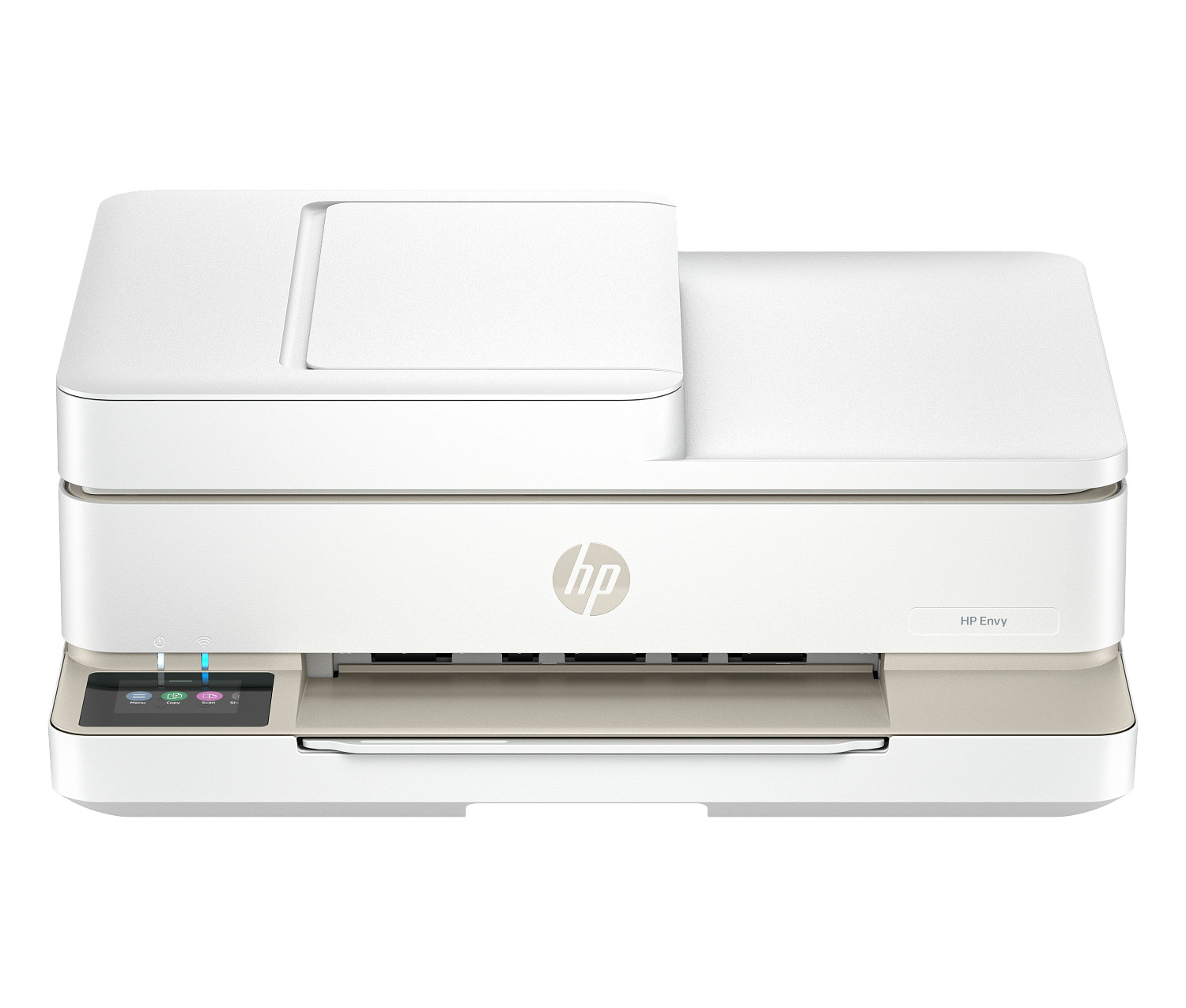
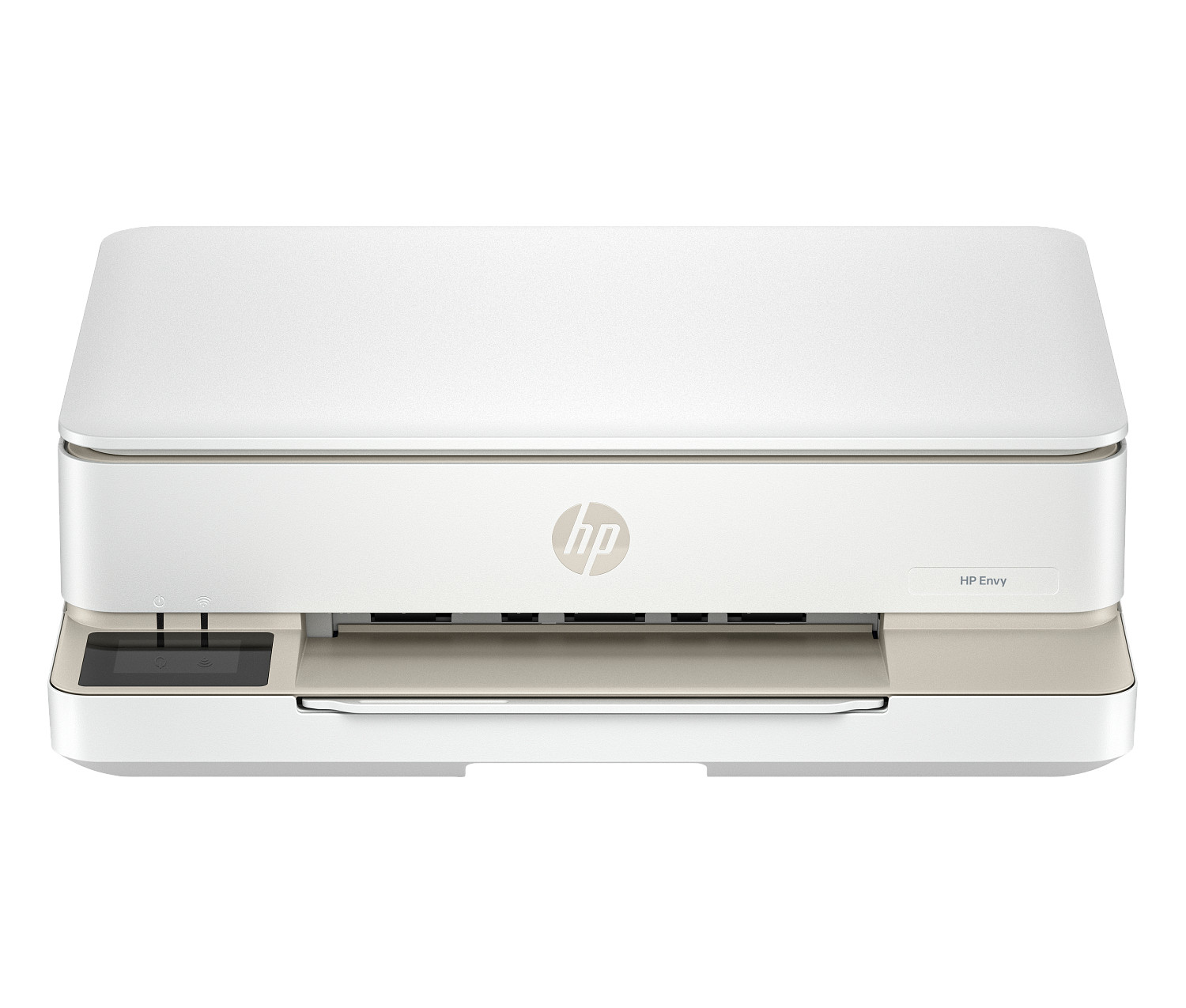
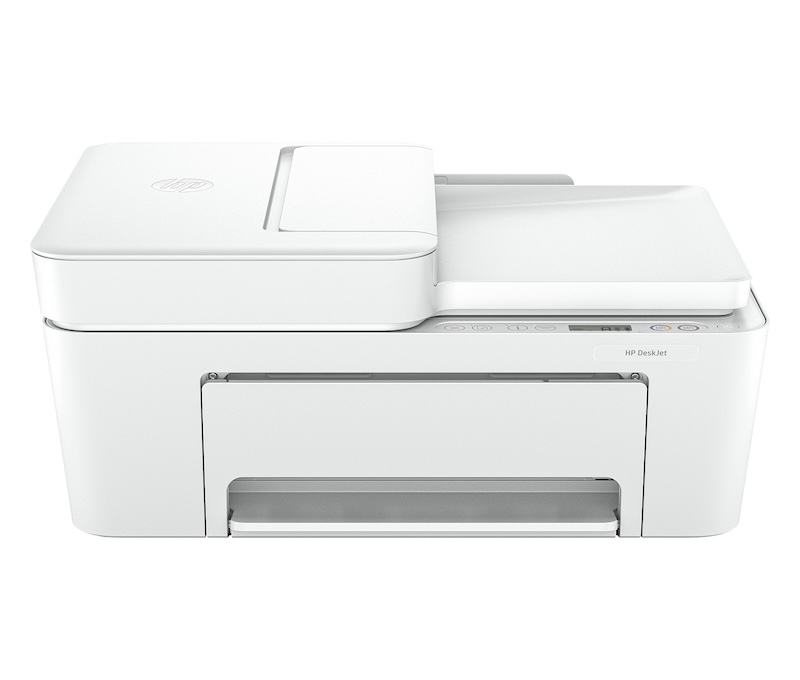
Many of our scanner customers also shop our home inkjet collection. Below are three popular models that pair well with the HP ScanJet Enterprise Flow N6600 fnw1 Scanner or fit a different room or workflow in the same home or business.